
Central Workspace in Teams
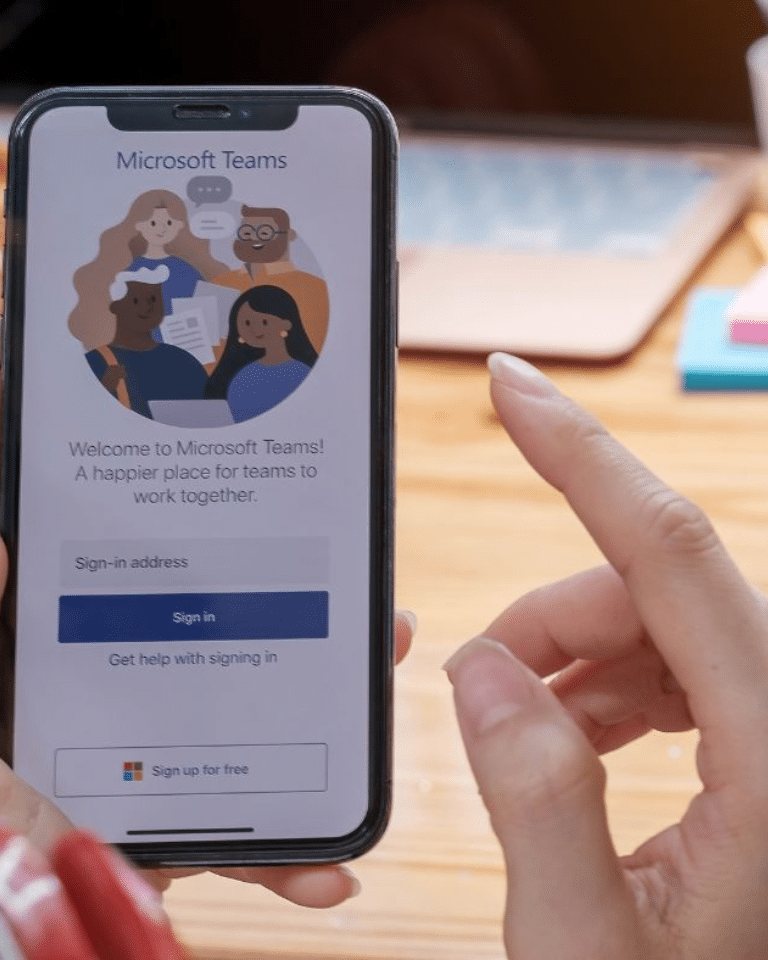
What does that mean?
Stop searching for files, emails or appointments made and start collaborating more efficiently in Microsoft Teams; the digital hub for (project) organizations. Communicate, document and make information available to the right team members and external parties. Provide easy access to other Microsoft solutions within your organization such as SharePoint and Power Bi. We will gladly take you through all the possibilities. With sound advice and implementation Ditio Solutions provides a workspace that fits your organization and processes exactly. Do not wait any longer and contact us today!
At Ditio, we believe in the purposeful use of Microsoft Teams to improve communication and collaboration in organizations. We see Teams as the central place from which employees work and where all available digital tools come together. We also call this the 'Teams first' principle. When set up properly, working from Teams leads to up to 50% fewer emails, faster coordination and clear document management. Teams also makes it child's play to work hybrid. From whatever location or device they work, employees (and if desired also external parties) always and everywhere have access to the information, documents and apps relevant to them. Even on their phones. Teams is therefore also an indispensable tool for project organizations. Ditio Solutions is happy to help you with the right set-up and implementation.
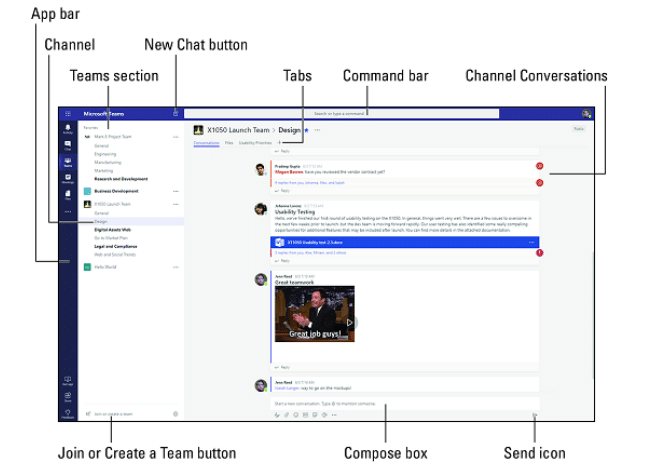
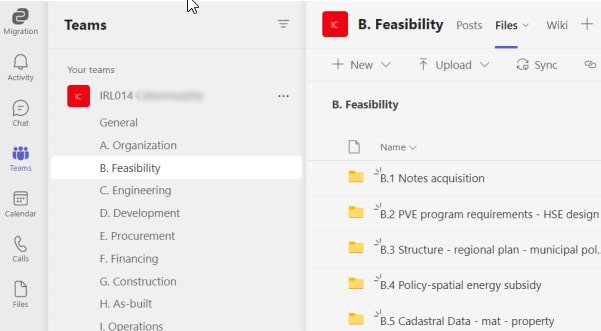
At Ditio we set up Teams as a central workspace. This ensures that all relevant (project) information and communication takes place in one central location and information on own PCs, different network drives and separate Cloud software is a thing of the past. Employees only have access to the teams relevant to them. Depending on the setup, this could be certain customers or departments. In these teams, they work within the channels relevant to them. Think of projects or areas of responsibility. Here, employees can send each other messages, collaborate on files, assign and manage tasks, request approvals, take notes and hold meetings. All information and communication is clearly arranged in one place.
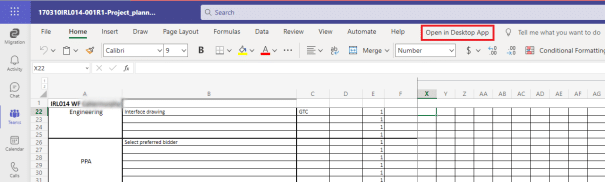
From the vision of central workspace, Teams is the central gathering place for all the programs and tools your employees work with. Microsoft apps such as Outlook, Word, Excel and PowerPoint are already accessible from Teams by default. But more is possible. Ditio develops intranet sites and document management solutions in SharePoint. We are also happy to build your project dashboard(s) in Power Bi. We then make these solutions available in Teams. And what about business apps such as a registration app for meeting rooms or a work experience app to measure workload? Also directly approachable from Teams. In short, we make Teams the digital hub for your (project) organization. Integrate other systems and apps? Ask us about the possibilities!
Your own workspace in 5 steps
Introduction and inventory
Proposal and cost indication
Establish plan of action/scop
Implementation
Training and guidance
Teams Central Workspace by Ditio
One central communication platform
Tailored to your organizational structure
Collaborate from anywhere and on any device
Integration with other MS365 apps
Workspace policy and migration existing documentation optional
A thorough setup and implementation of the platform is often forgotten when activating Teams. Think about capturing appropriate structures and rights, creating templates and proper training of administrators and users. Va lot is here not well thought out or users do not well what is expected of them. This creates proliferation and functions the platform after all as expected. With Ditio Solutions as a partner you ensure that it wél work.
Together also make your project resilient?
Book a no-obligation demo now
Want to know what Ditio Solutions can do for your organization with Teams? Then contact us for a no-obligation demo or introduction.