Why planning requires more than MS Project
We are behind schedule.
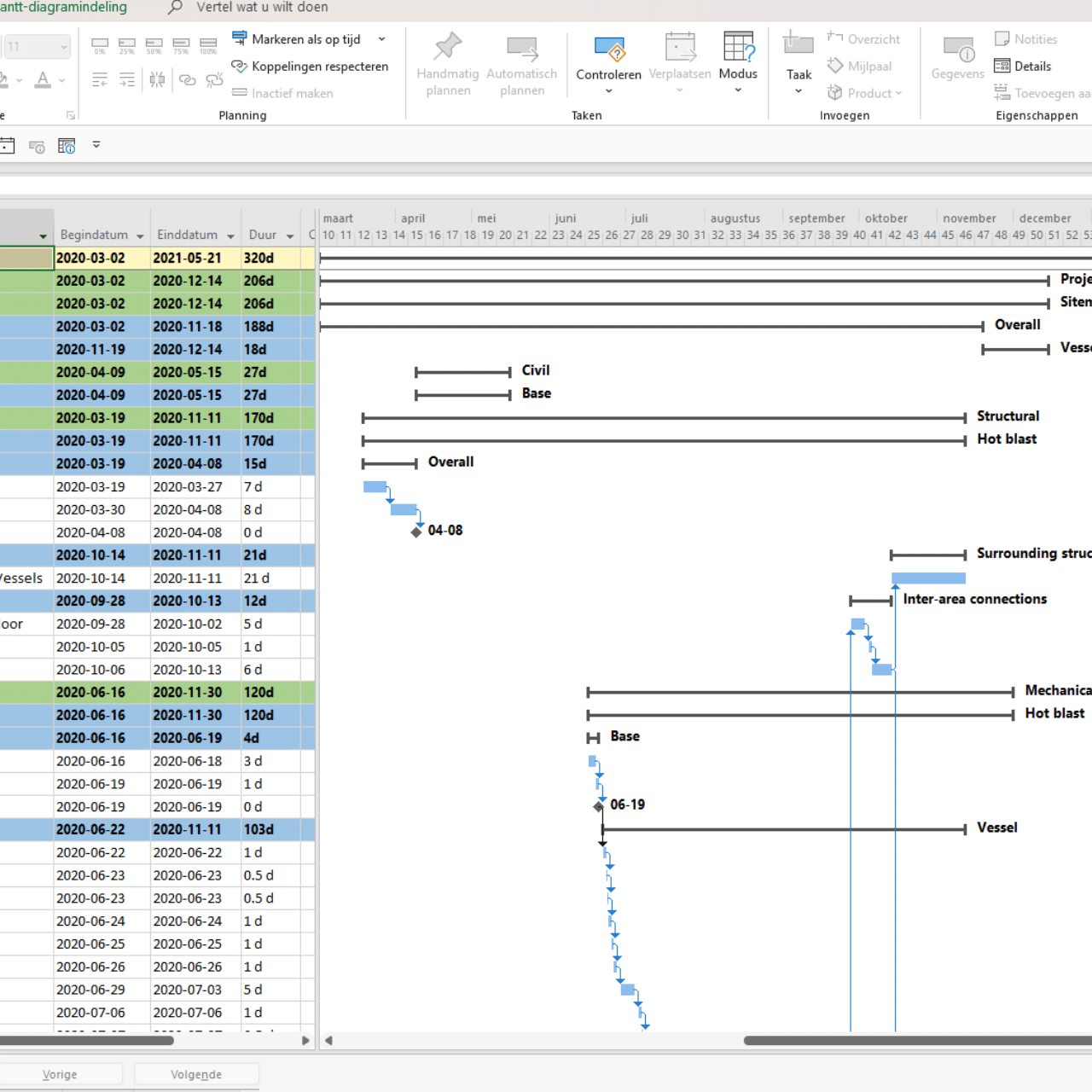
For many project managers, this is a familiar scenario. The schedule is neatly laid out in MS Project, the bars are progressing smoothly, and yet everyone senses that the project is starting to fall behind schedule. The question then is not whether there is a schedule, but why it is not working.
Often, the same reflex follows: the planning needs to be more precise. More detail, additional dependencies, tighter updates. But in practice, the problem is rarely technical in nature. MS Project does what it is supposed to do. It is the way in which the planning is used that falls short.
The misconception: if it's in MS Project, it's under control
In many projects, planning is approached as a technical product. As long as all activities have been entered and the logic is correct, everything seems to be under control. However, it is precisely in these projects that delays arise that only become apparent at a late stage.
This is because planning is often disconnected from day-to-day management. It is updated, but not actively used. Typical signs of this are:
- The schedule is mainly maintained by one person.
- changes in scope or pace are processed late
- decisions are made without consulting the schedule
The result is not poor planning, but planning that plays no role in decision-making.
A schedule is not a file, but an agreement.
Effective planning is essentially a joint agreement on how the project will develop over time. Not only about what happens when, but also about what is critical and where there is room for maneuver. These agreements only work if they are shared by the entire project team.
As soon as a schedule is mainly relevant to one role, it loses its value. Teams then work based on their own interpretations, while the schedule records what has already happened after the fact. At that point, the project is not so much behind schedule, but rather lacks predictability.
Visualization: from detail to overview
A common complaint is the lack of overview. This is rarely due to a lack of information, but rather because everything is presented at the same level of detail. Complex planning tells us a lot, but communicates little.
A working schedule therefore has multiple levels of visualization, such as:
- a general plan for decision-making
- detailed plans for implementation
- visual representations of dependencies and critical paths
This translation creates a shared vision and makes the plan a tool for discussion and guidance.
Ownership brings planning to life
Projects that fall behind often lack clear ownership. Activities are scheduled, but no one feels responsible for the overall coherence. Deviations only become apparent when deadlines are already under pressure.
Robust planning makes it clear who is responsible for what and when adjustments are needed. This requires clear role agreements and space within the organization to actually discuss deviations.
Knowledge and context: why things are planned the way they are
A schedule shows what needs to be done and when, but rarely why choices were made. It is precisely this context that is crucial when the project changes. When team members change, the pace accelerates, or new risks arise, this knowledge often disappears unnoticed.
When this context is not properly defined, familiar problems arise:
- discussions about assumptions rather than decisions
- loss of knowledge when changing personnel
- rescheduling based on feelings rather than facts
Here, planning directly affects document and information management. Well-designed document control ensures that planning can adapt without losing control.
Tools and templates are supportive, not a solution
Whether an organization works with MS Project, another project planning tool, or an Excel project planning template, the tool itself is rarely decisive. What matters is how the planning is embedded in the way of working.
A plan that guides is linked to decision-making, risks, and capacity. It is actively used in consultation and adjusted when reality demands it. Without that coherence, any tool remains nothing more than a retrospective record.
From disadvantage to predictability
Projects do not fall behind because the software is inadequate. They fall behind because planning is too often disconnected from reality. Without shared agreements, ownership, and secured knowledge, management becomes reactive rather than predictive.
Gaining control over planning therefore requires more than just MS Project. It requires a working method in which planning is an integral part of project management. Only then does planning become not just a mandatory document, but a tool that helps you look ahead and make timely adjustments.
Would you like to discuss how your planning can become a management tool again instead of an appendix? Then it is often more effective to first look at the working method before tweaking the settings in a tool again. We are happy to help you with that.