
Process automation with Power Automate

What does that mean?
In accelerating projects also often involve about increasing productivity & efficiency. By automating repetitive tasks and processes, there is there much to be gained. Workflows become simpler, lead times faster en human errors reduced. To automate processes, Ditio deploys the Microsoft Power Automate platform in. OWhether you want to automate simple tasks or streamline complex business processes, we gladly tell you about the possibilities!
Ditio & Power Automate
As far as we are concerned, Power Automate is dé solution for automating repetitive manual tasks. This is because Microsoft's cloud-based automation platform is "low-code" and very user-friendly. It offers possibilities for both simple and more complex automations, and it has extensive integration capabilities with other tools. Also outside the MS365 platform with various CRM, ERP and financial systems. This makes Power Automate suitable for all kinds of companies, from small startups to large multinationals.
Automate processes and tasks
With Power Automate, it is possible to automate a wide range of processes and tasks. The list below is just a small selection of the possibilities. Please feel free to contact us for a no-obligation consultation.
Administration
- Sorting, forwarding or answering emails
Document management
- Dynamic generation of documents and conversion to other file types
- Notifications of document changes, access and due dates
Project Management
- Updating resource schedules based on project progress and changes
- Reminders for deadlines and project milestones
Reports & data analysis
- Collect and analyze data from various sources, such as customer data
Human Resources
- Approve leave requests and update absence records
- Sending reminders for performance reviews or training sessions
Finance
- Approval of expenses and payments
- Notifications for budget overruns, generation of financial reports
Here's how it works
Process automation in Power Automate is all about workflows. With these workflows, we automate tasks and processes between different Apps and services. A workflow consists of triggers, actions and possibly conditions. Think of having an approval process start automatically as soon as a form is submitted or periodically retrieving certain data from a database. The possibilities are endless.

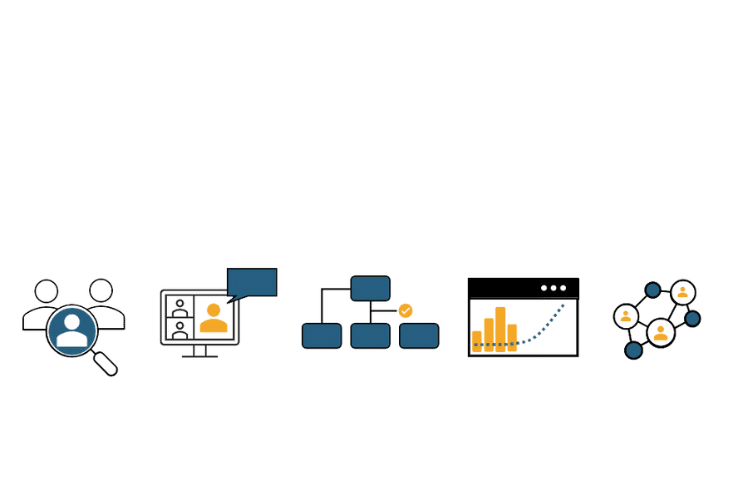
Process automation in 6 steps
Introduction and inventory
Proposal and cost indication
Capture workflows
Implementation
Training and guidance
Maintenance
Power Automate by Ditio
- In-depth knowledge & expertise
- Rapid implementation
- Advanced automations
- Custom solutions
- Security & Compliance
- Updates & maintenance
Therefore Ditio
From our experience in the world of projects, we know better than anyone else the processes at play within organizations. And especially: where waste occurs. Ditio helps organizations to better align processes and systems with the Microsoft platform. We set up apps such as SharePoint and Teams, automate tasks and processes, record collaboration agreements and train users. So you work smarter and more efficiently.
Together also make your project resilient?
Meet us today
Wondering how we can implement Power Automate in your organization? Then contact us today for a no-obligation introduction.